Truecaller is widely used as a caller identification and spam detection app. To offer these features, the service builds its database by collecting contact details that users allow access to—often including names and phone numbers synced from address books. Because of this, your number may appear on Truecaller even if you’ve never installed the app yourself.
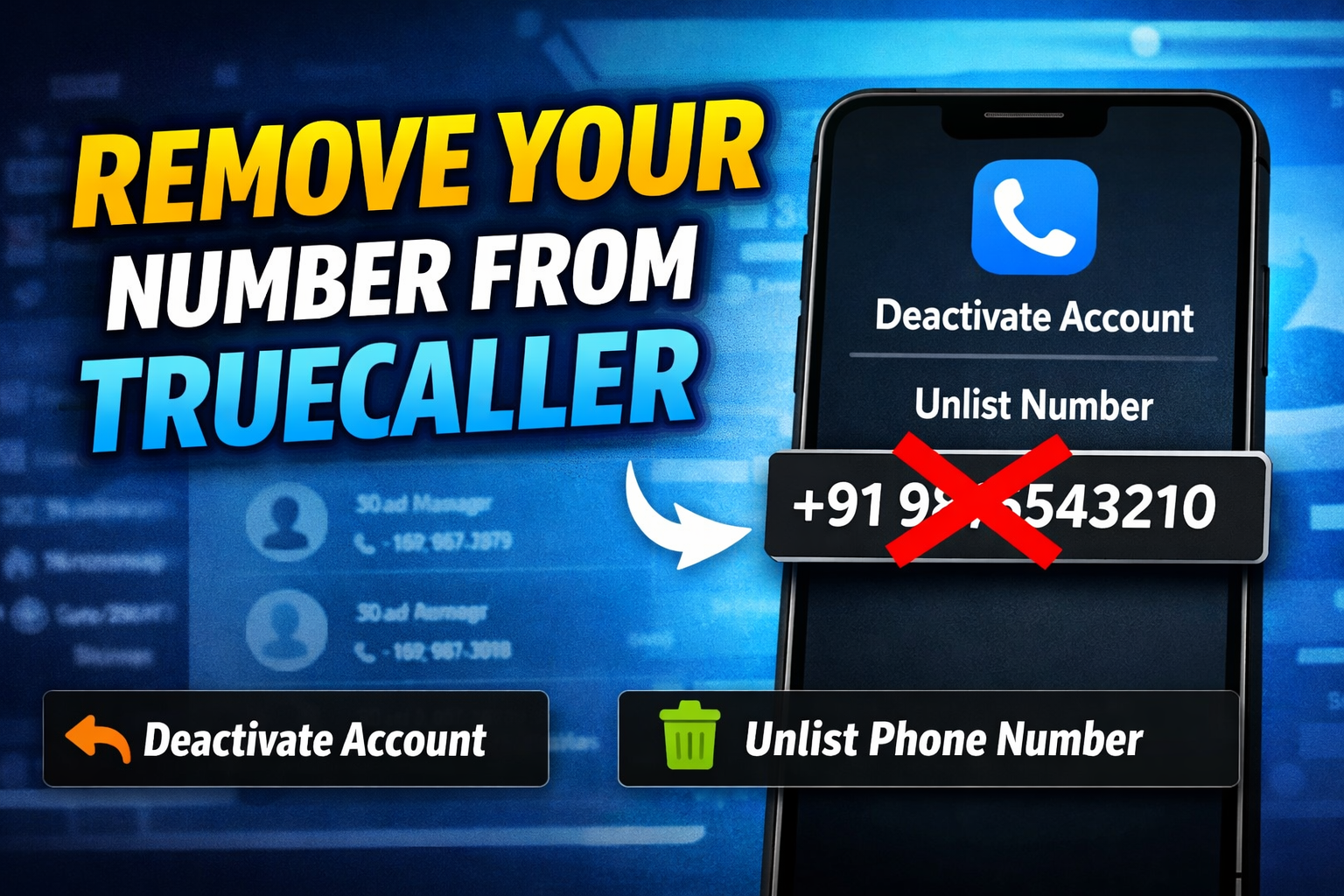
If you prefer more privacy or no longer want your number to be searchable, you can take two clear steps: deactivate your Truecaller account (if you use the app) and unlist your phone number from Truecaller’s database. Here’s a simple, reliable guide to help you do both.
📞 Get Call Details
Disclaimer: This tool is for educational/demo purposes only. It does not fetch real call records.
Step 1: Deactivate Your Truecaller Account
If you currently use the Truecaller app, deactivating your account is the first step before unlisting your number.
- Open the Truecaller app on your smartphone.
- Tap the menu icon (three horizontal lines) in the top-left corner.
- Go to Settings, then select Privacy Center.
- Choose the Deactivate option.
- Confirm when prompted to deactivate your account.
Once confirmed, your Truecaller account will be disabled. This stops the app from continuing to sync your data.
Step 2: Unlist Your Phone Number from Truecaller
Deactivating the app alone does not automatically remove your number from Truecaller’s public search results. To fully remove it, you must unlist your number from their database.
- Visit Truecaller’s official Unlist page using any web browser.
- Enter your mobile number along with the correct country code.
- Complete the captcha verification.
- Tap on the Unlist Phone Number option.
- When asked for confirmation, select Unlist.
After completing these steps, you’ll see a confirmation message stating that your number will be removed from Truecaller’s searchable database.
How Long Does the Unlisting Take?
Truecaller generally processes unlisting requests within 24 hours. After this period, your phone number should no longer appear in search results. Keep in mind that if someone saves your number again and uploads contacts using the app, it could reappear in the future.
Important Things to Keep in Mind
- Always deactivate your Truecaller account before unlisting your number.
- Make sure the country code and phone number are entered correctly.
- Unlisting improves privacy but does not block calls or affect your mobile service.
- Reinstalling or reactivating Truecaller with the same number may relist it.
Final Thoughts:
Taking control of your digital privacy is important, especially when personal contact details are involved. By deactivating your account and unlisting your number, you can significantly reduce your visibility on Truecaller. The process is straightforward and can be completed in just a few minutes with the steps outlined above.
If you value privacy and want to limit how your phone number appears online, this is a practical and effective solution.